How it works
Two ways to use it: track your own spending, or run the whole household — helper included.
1. Sign up & sign in
Register by email and activate with a 6-digit code.
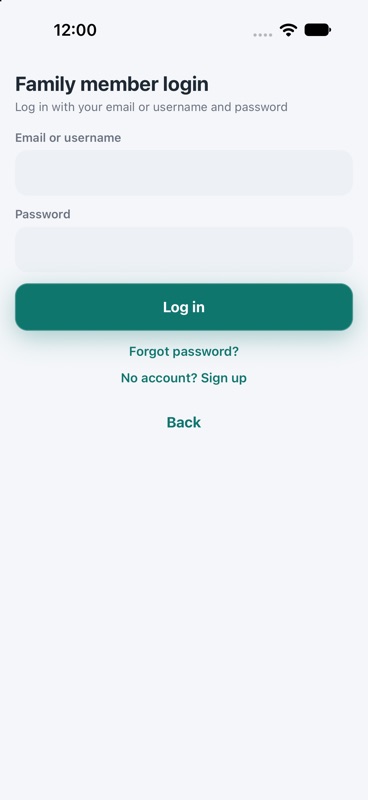
Sign up & sign in 2. Snap a receipt
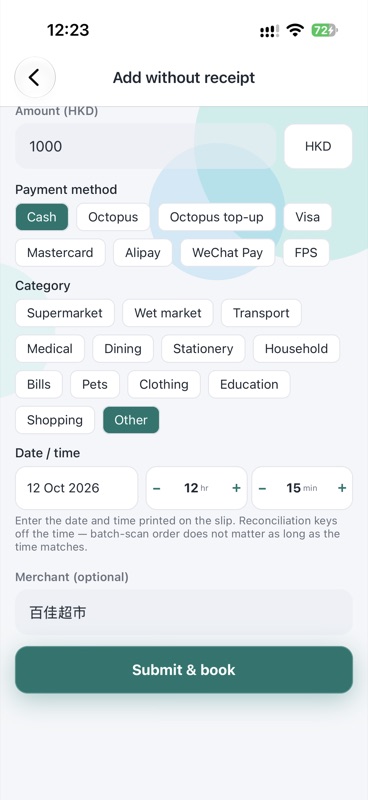
Point the camera at the slip; or pick from the gallery, or enter a record manually when there is no receipt.
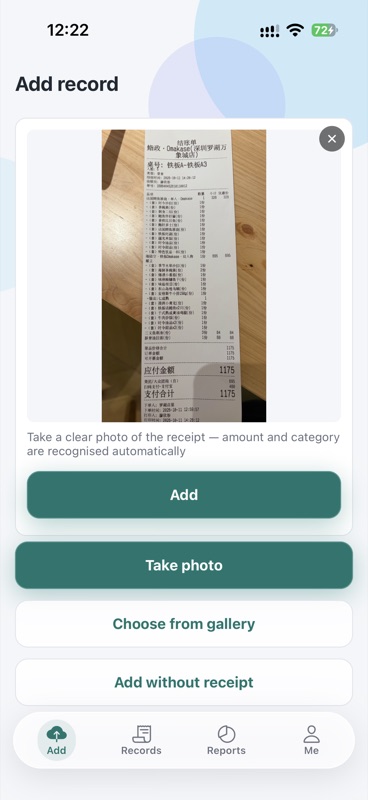
Snap a receipt 3. Let AI read it
AI reads the amount, merchant, date and category; manual entry still works when the daily quota is used up.
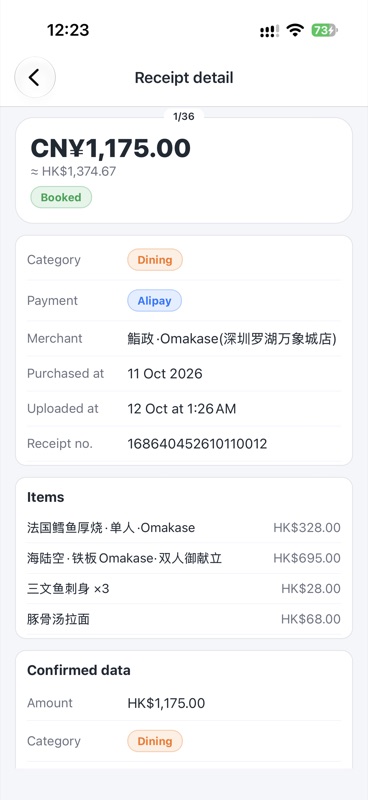
Let AI read it 4. Review before booking
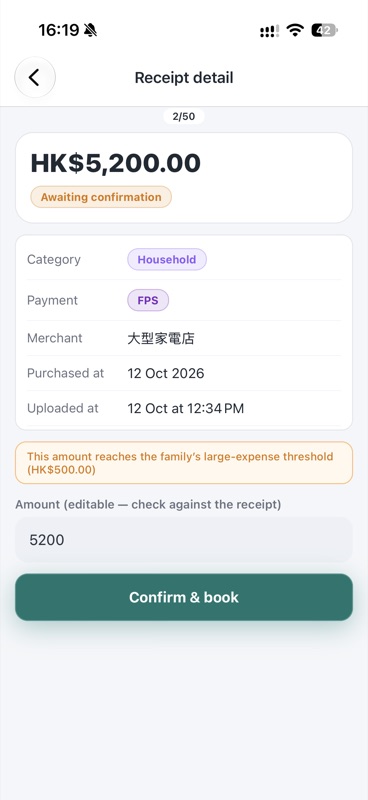
Low-confidence, missing-amount or odd-date receipts wait for your confirmation — nothing books itself silently.
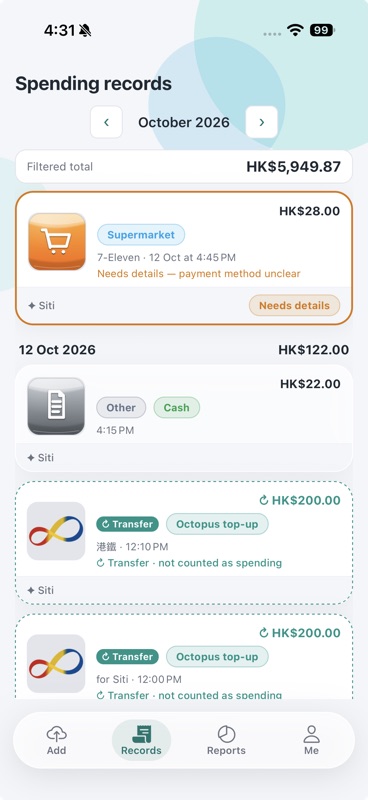
Review before booking 5. Reports
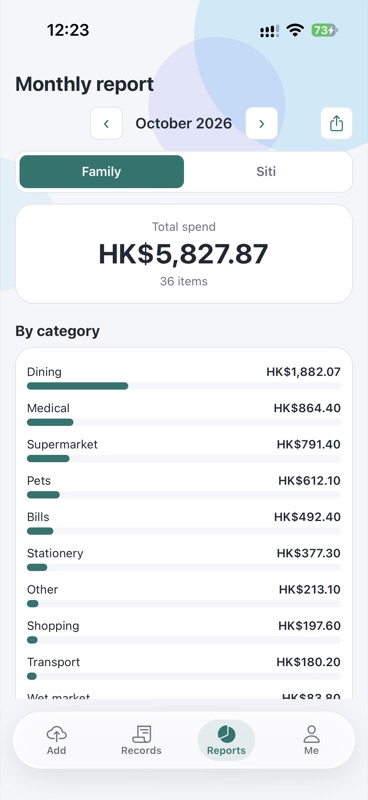
Monthly spending by category; foreign currencies convert to HKD automatically.
Reports
1. Create member & helper accounts
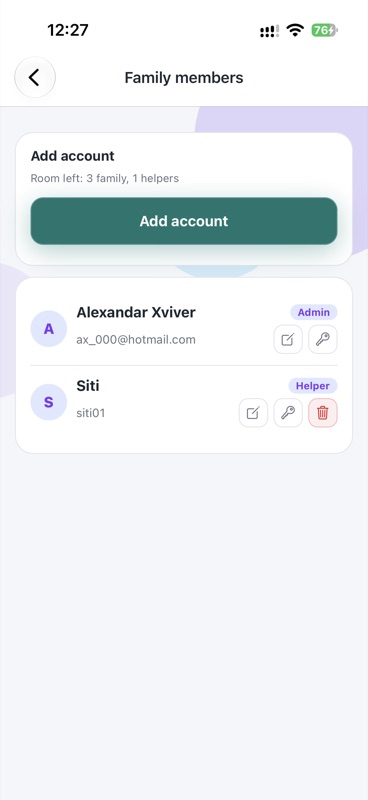
The admin creates accounts for family members and the domestic helper — each signs in and sees their own scope.
Create member & helper accounts 2. Helper snaps & uploads
The helper photographs a receipt; AI books it automatically or flags it for review.
Helper snaps & uploads 3. Employer oversight
Large or uncertain amounts wait for employer confirmation before booking.
Employer oversight 4. Track the helper’s cash
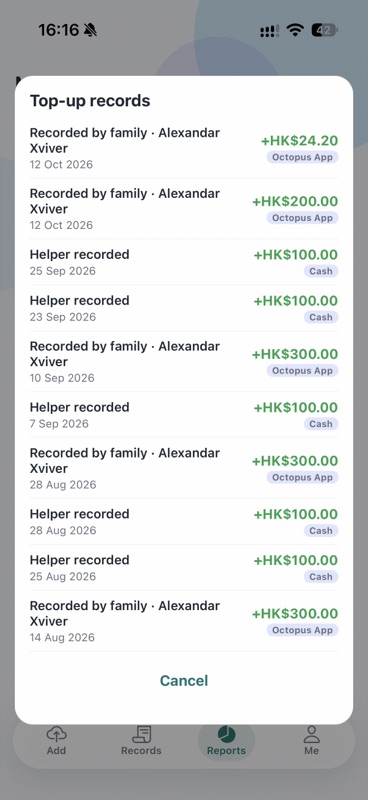
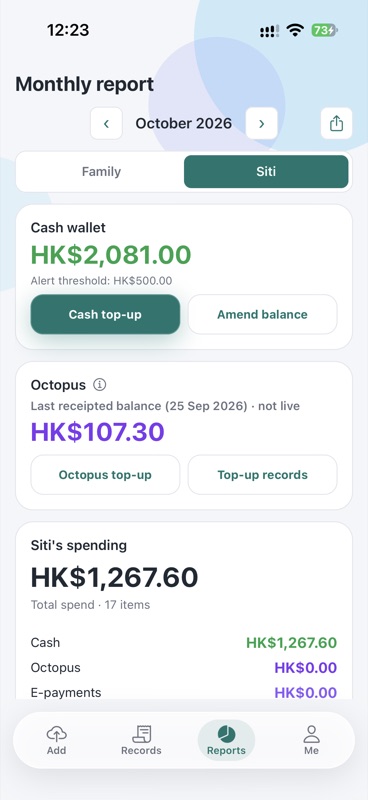
Household cash given to the helper gets its own wallet — top-ups, spending and balance at a glance.
Track the helper’s cash 5. Helper Octopus reconciliation
Spending between balance snapshots is estimated from top-up receipts (see the Octopus page).
Helper Octopus reconciliation 6. Family reports
Whole-household spending by month, category and member.
Family reports